
FairSpin Casino App for Android, iOS and Desktop
The FairSpin casino app is a progressive web app. You install it straight from your browser in about four taps, and your phone treats it afterwards like any other icon on the home screen. There is no file to download, no store listing to find and no installer to run. If you arrived here hunting for a FairSpin APK, the short answer is that none exists and you do not need one — the install button lives inside Safari or Chrome, and the whole lobby comes with it.
That design choice has a pleasant side effect. Because the installed app simply loads the live FairSpin site inside its own window, you are never running an old build, and the icon takes up a sliver of storage rather than a few hundred megabytes. Below you will find the three install routes the operator publishes, an honest look at what you gain and lose versus a plain browser tab, and fixes for the handful of things that go wrong.
FairSpin App Availability on Each Platform
Plenty of pages blur this question, so here it is in one grid. Only two of these rows are things you can actually do, and both of them start in a browser.
| Route | Available | What it means for you |
|---|---|---|
| Progressive web app | Yes | The official FairSpin app, installed from Safari or Chrome |
| Google Play listing | No | Searching Play for FairSpin returns nothing from the operator |
| Apple App Store listing | No | Nothing to download; iPhone users install through Safari instead |
| Standalone APK file | No | No official package exists, so no site is distributing a genuine one |
| Mobile browser play | Yes | Full lobby in Safari, Chrome, Firefox or Edge with nothing installed |
| Desktop install | Yes | Chrome on Mac or Windows gives FairSpin its own window and shortcut |
Everything in the installed app is the same account you use in a browser. Install on your phone, your tablet and your laptop if you like — one login covers all of them.
How to Install the FairSpin App in Three Routes
These are the operator's own instructions, kept in the operator's own order. Pick the one that matches the device in your hand.
Installing FairSpin on an iPhone or iPad
- Load FairSpin in Safari — not Chrome. This one detail accounts for most failed installs on an iPhone.
- Tap the Share icon in the Safari toolbar.
- Scroll down the share sheet, past the contacts and sharing targets, until the browser actions appear.
- Tap Add to Home Screen, keep or shorten the name, then tap Add.
The icon lands on your home screen straight away. Tap it and FairSpin opens full screen with no address bar above it, which on a small iPhone buys you a surprising amount of reel space.
Android phones and tablets — Chrome
- Open FairSpin in Google Chrome.
- Open Chrome’s menu from the three dots in the upper-right corner.
- Choose Install app.
- Confirm with Install.
Android is the friendliest of the three. Chrome often raises its own install prompt at the bottom of the screen after a minute or two of browsing, and accepting that banner does exactly the same job as the menu item. The result appears in your app drawer alongside everything you installed from Play, and recent-apps switching treats it as a separate app rather than a browser tab.
Mac and Windows — Chrome
- Open FairSpin in Chrome on your Mac or Windows machine.
- Click the install icon at the right-hand end of the address bar.
- Click Install.
Nobody else writing about this app bothers to mention the desktop route, which is a shame, because it is the version I reach for most. FairSpin gets a window with no tabs, no bookmarks bar and no stray notifications stealing focus mid-spin, plus a dock or taskbar shortcut you can pin. Edge offers an equivalent install under its own menu, though the operator only documents Chrome.
Why There Is No FairSpin APK Download
A progressive web app has nothing to package. The install step just tells your operating system to keep a shortcut and a cached shell for a site it already trusts, so there is no binary to sign, ship or sideload. That is why FairSpin never built an APK: the thing an APK would deliver is already in your browser.
Which brings us to the pages that promise one. If a site offers you a "FairSpin APK download", it is not handing you an official build, because no official build exists to hand over. Treat any such file the way you would treat any unsigned installer from a stranger.
Three claims circulate widely enough to be worth naming calmly:
- That you obtain a FairSpin APK file and enable unknown sources to install it. There is no such file.
- That FairSpin has an Apple App Store listing. It does not; Safari's Add to Home Screen is the iOS route.
- That the app requires "Android 5.0 or newer" or "iOS 11.0 or newer". Those version numbers appear nowhere in the operator's documentation. Somebody made them up, and other pages copied them.
This page will not link to an APK source, now or later. The browser install above is the only route FairSpin publishes, and it is the only one worth using.
FairSpin App Versus the Mobile Browser
Installing is quick and reversible, but it is not pure upside. Here is the trade in both directions, which is more than most pages on this topic will tell you.
| Installed app | Plain browser tab |
|---|---|
| Home-screen icon you reach in one tap | A bookmark or a typed address every time |
| Full screen with no browser chrome around the reels | Address bar and toolbar eat vertical space |
| Repeat launches feel faster — the shell is cached | Loads the shell again on each visit |
| No separate update step, ever | Also always current, so no advantage either way |
| Push notifications are limited or absent on older iOS | Same limitation, so nothing lost |
| On iPhone it must be installed from Safari | Any browser you like, including Chrome on iOS |
| Clearing site data can wipe the cached shell | Nothing to lose beyond saved logins |
If you play in short bursts on one phone, install it. If you hop between a work laptop, a borrowed tablet and your own phone, the browser is fine and your account follows you regardless.
Troubleshooting a FairSpin App Install
Four things go wrong, and all four have quick fixes.
The install icon or menu item is missing
On desktop Chrome the address-bar icon only appears once the page has fully loaded, so give it a few seconds and reload if nothing shows. On Android, if Install app is absent from the three-dot menu, check whether the site is already installed — Chrome swaps the item for Open in app once it is.
There is no "Add to Home Screen" on my iPhone
You are almost certainly in Chrome, Firefox or an in-app browser rather than Safari. Only Safari can create a home-screen app on iOS. Copy the address, paste it into Safari, and the option returns. And do keep scrolling that share sheet — the item sits well below the row of sharing icons, which trips up a lot of people.
It opens in a browser tab instead of its own window
That means you tapped a bookmark rather than the installed icon. Delete the bookmark so the two stop competing, then launch from the app icon. On Android, long-press the icon and check that it reports itself as an app with its own storage entry.
Something is stale or broken
Remove the icon and install again — it takes under a minute and costs you nothing, since your balance, bonus progress and history live on the operator's servers rather than on your handset. Updates need no action at all: the app loads the live site each launch, so new games, new tournaments and interface changes simply appear.
What You Can Play in the FairSpin App
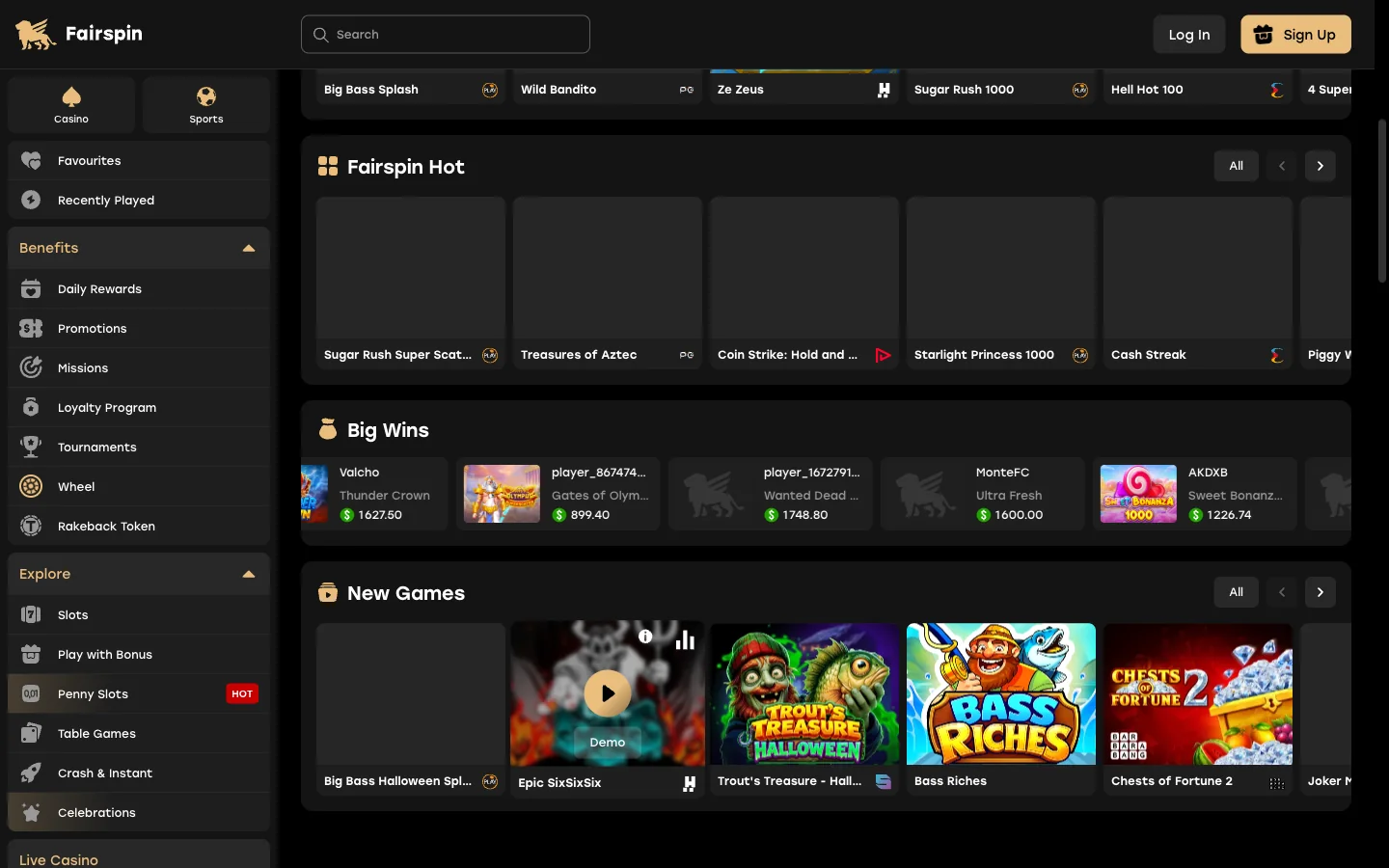
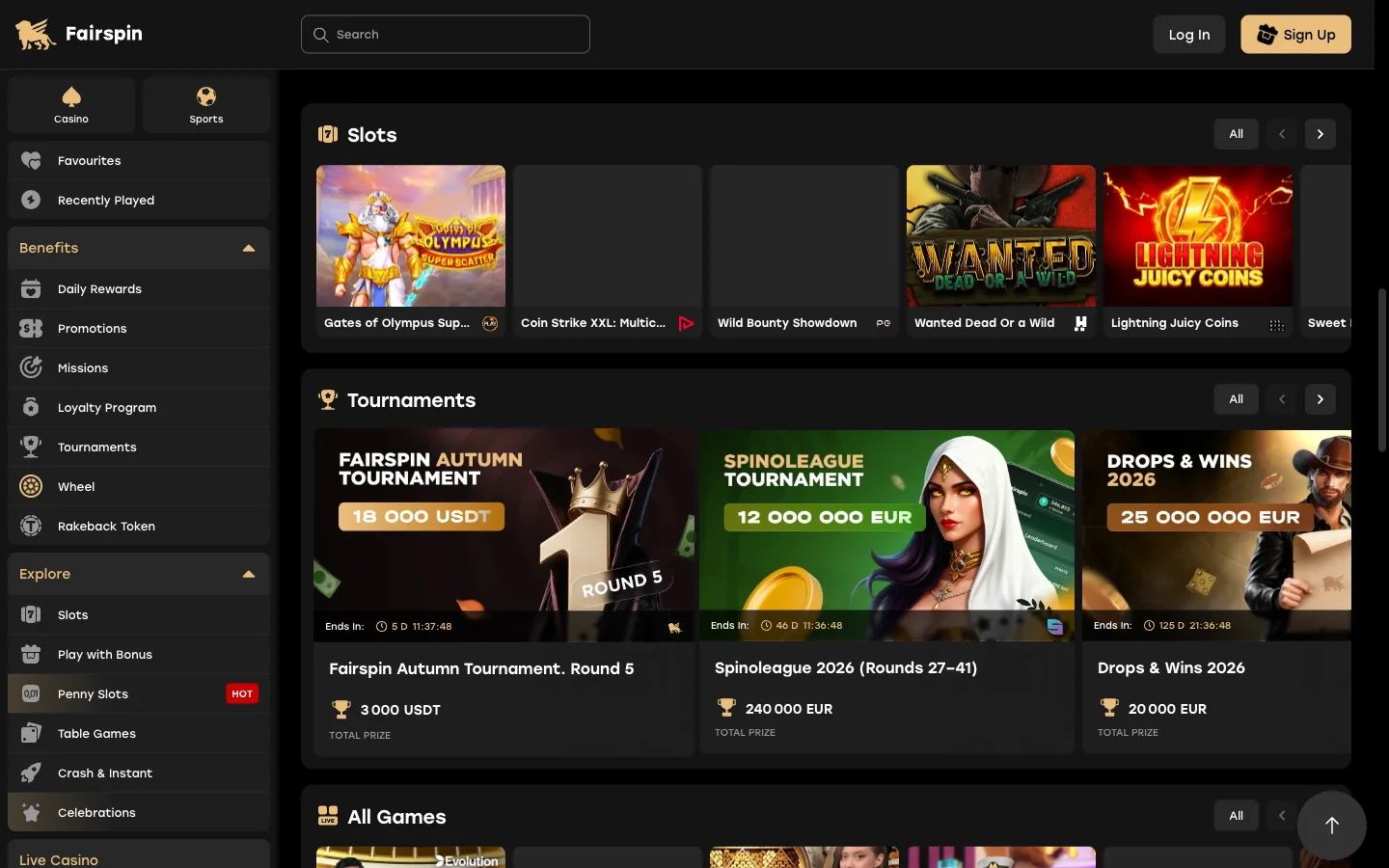
Nothing is held back for desktop. The installed app carries the whole FairSpin catalogue, and the navigation is the same set of shelves you would see on a big screen.
- Slots and Penny Slots — the main grid plus a low-stakes shelf where bets start at 0.01 CAD.
- Buy Bonus and Play with Bonus — feature-buy titles and games that accept bonus funds.
- Jackpot — progressives including the Games Global WowPot network.
- Live Casino — roulette, blackjack and baccarat tables streamed in portrait or landscape.
- Crash & Instant — fast rounds built for one-handed play.
- Fairspin Originals and Web3 Originals — Chicken Road, Plinko 1000, Mines, Coinflip, Tower, Goblin Tower and Aviafly.
- Sports betting — pre-match and in-play markets, plus horse and dog racing.
The reward mechanics travel too. You can spin the Wheel, work through Missions, collect Daily Rewards and join running tournaments without leaving the icon, and the account area handles profile details, limits and verification. Bonus terms and wagering maths live on the FairSpin bonus page rather than here, since the first deposit offer of 200% up to $2,500 CAD deserves its own reading.
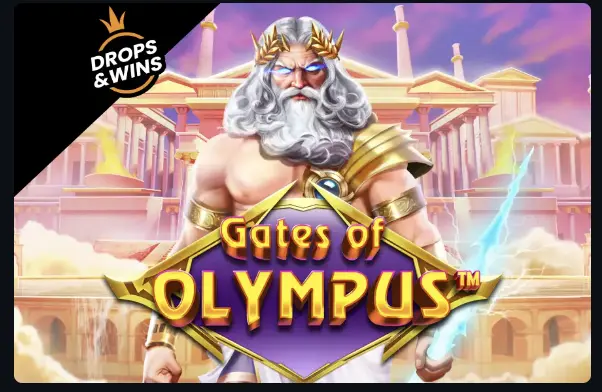 Gates of OlympusPragmatic Play
 Sugar RushPragmatic Play
 Hell Hot 100Endorphina
 Space XYBGaming
Signing In to FairSpin on a Phone
The installed app accepts email and password, and also MetaMask, Apple, Google or Telegram — the wallet and social routes, reset steps and lockout fixes are all set out on the FairSpin login page.
Device Requirements FairSpin Does Not Publish
Here is a small act of honesty that costs nothing. FairSpin publishes no minimum Android version, no minimum iOS version, no RAM figure and no storage figure. So I am not going to invent any, which is exactly what one competing page does when it claims Android 5.0 and iOS 11.0 as thresholds.
What you practically need is modest:
- A current Safari on iPhone or iPad, or a current Chrome on Android, Mac or Windows.
- A working connection — Wi-Fi or mobile data. Live dealer streams want the steadier of the two.
- A few megabytes free. The app stores a cached shell, not a game library.
- Age and location that fit the rules: FairSpin's own sign-up asks for 18+, while Canadian law sets 19+ in most provinces and 18+ in Alberta, Manitoba and Quebec.
If a device runs a browser new enough to stream video, it will run this app. Older handsets mostly stumble on live tables rather than on the install itself. Licence detail and the operator's compliance picture sit on the FairSpin review, and payment questions belong with withdrawal times.
Put FairSpin on Your Home Screen
Open the site in Safari or Chrome, run the four taps above, and the full lobby lives behind one icon. No store account, no file, no waiting on a download.
Open your FairSpin accountFairSpin App Questions
No. FairSpin distributes a progressive web app that installs from Chrome, so there is no official APK package to download anywhere.
No. There is no Google Play listing and no App Store listing. The browser install is the only route the operator documents.
Yes, through Safari. Open FairSpin in Safari, tap Share, scroll down and choose Add to Home Screen.
No. Installing costs nothing and uses only a few megabytes, because the app is the site wrapped in its own window.
Automatically. The installed app loads the current site, so new games and features appear without any download or version update.
Yes. Sports betting, horse and dog racing sit in the same installed app as the casino lobby, under the sports menu.
No. Removing the icon only removes the shortcut. Your account, balance and bonus history live on the operator's servers.
Chrome. It carries the Install app menu item that creates the standalone FairSpin window on Android devices.